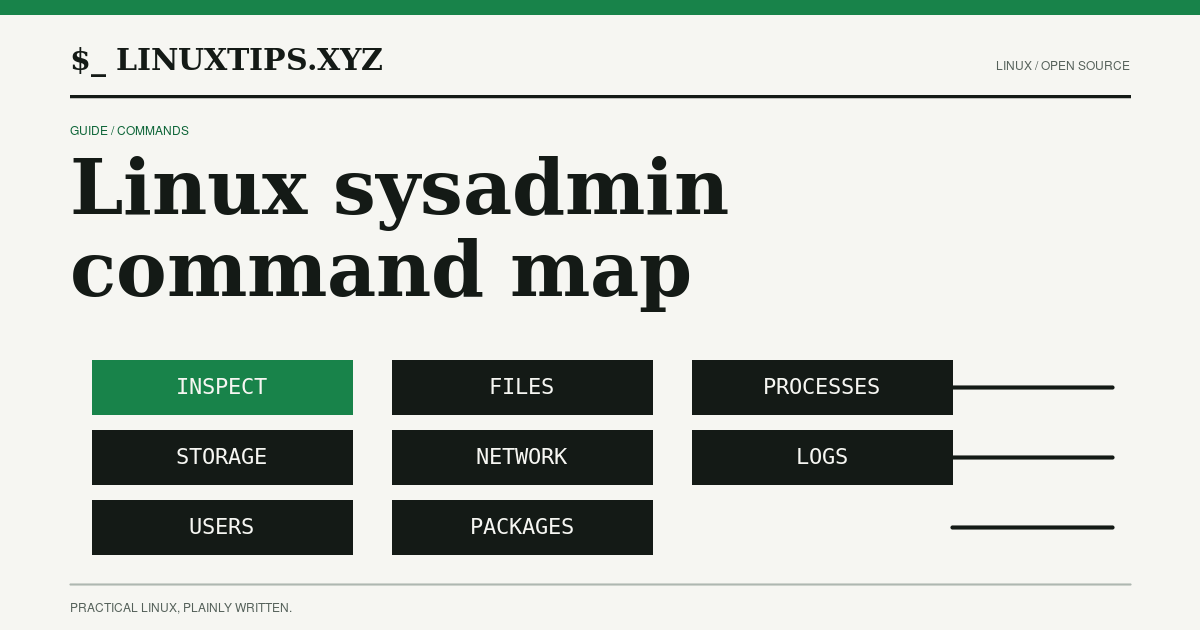
The fastest way to make an incident harder is to start changing things before you know which system, path, process, or package you are looking at. This map puts inspection first. It then names the small set of mutations that belong in a disposable directory or an approved change window.
The lab behind this guide used the official debian:13.6 image at digest
sha256:34cd9e9fd437c0a095ec39cb2e73422c9f30821b0d0848ed74fd0d43bae4d958
and alpine:3.24.1 at digest
sha256:28bd5fe8b56d1bd048e5babf5b10710ebe0bae67db86916198a6eec434943f8b.
Debian used /bin/sh → Dash 0.5.12-12; Alpine used BusyBox ash 1.37.0.
The GNU Coreutils manual
and BusyBox applet list explain
why a familiar command can have different flags or be missing in a small image.
How to read the map
GNU means the GNU or named upstream implementation normally supplied by a
Debian package. BusyBox means the applet is available in a BusyBox build such
as Alpine’s; a vendor can compile a smaller BusyBox. yes does not mean the
command is installed in every base image. The task verification record records
the exact base-image result and exit code.
Inspection — start here
These commands read state. Capture their output with the hostname, timestamp, working directory, and command line so another operator can reproduce the observation.
| Command | Side effect | GNU / BusyBox |
|---|---|---|
pwd |
Read-only shell builtin; prints the current directory. | shell builtin / shell builtin |
uname -a |
Read-only; prints kernel and machine fields. | yes / yes |
cat /etc/os-release |
Read-only; prints distribution identity. | yes / yes |
command -v ls |
Read-only shell lookup; does not execute the result. | shell builtin / shell builtin |
env |
Read-only; prints the process environment, which can contain secrets. | yes / yes |
Treat environment output as sensitive. Do not paste tokens, credentials, or full production paths into an incident channel.
Files — inspect, then change one named path
The first five file commands are read-only. find is recursive by default, so
bound it to a known root and depth. GNU find and BusyBox find do not have
identical predicates; check --help before copying a long expression.
| Command | Side effect | GNU / BusyBox |
|---|---|---|
ls -lah /path |
Read-only directory and metadata listing. | yes / yes |
stat /path |
Read-only inode, mode, size, and timestamp inspection. | yes / yes |
find /path -maxdepth 1 -type f |
Read-only bounded walk; can be expensive on a large root. | yes / yes |
grep -n pattern file |
Read-only file scan; output can expose secrets. | yes / yes |
sed -n 1,20p file |
Read-only bounded text display. | yes / yes |
Caution: The next three commands mutate or remove entries. Run them only in a directory you own, name every path, and preview with
lsorstatfirst. Never turn a printed path into an unreviewed recursiverm.
| Command | Side effect | GNU / BusyBox |
|---|---|---|
mkdir -p /tmp/lab |
Mutates the filesystem by creating directories; -p can create parents. |
yes / yes |
cp source destination |
Mutates the filesystem by copying bytes and metadata conventions. | yes / yes |
rm -- file |
Destructive; unlinks the named path and can make data unrecoverable. | yes / yes |
The lab created source, copied it to copy, printed its size, then removed
only those two files and the printed temporary directory. It did not run a
recursive removal against a host path.
Processes — observe before signalling
ps, pgrep, and top show snapshots. kill -0 asks the kernel whether a
signal could be delivered; it does not deliver a signal.
Caution:
top -b -n 1samples processes and repeated polling can add load.nicechanges the priority of the command it starts. Do not use a priority change or a real signal on a production process without an owner, expected effect, and rollback.
| Command | Side effect | GNU / BusyBox |
|---|---|---|
ps |
Read-only process snapshot; available after installing procps-ng on minimal Debian. | procps-ng / yes |
pgrep -a 1 |
Read-only process-name and PID match. | procps-ng / yes |
top -b -n 1 |
Read-only snapshot that samples process and scheduler data. | procps-ng / yes |
kill -0 PID |
Read-only permission/existence probe; signal number zero is not delivered. | shell builtin / shell builtin |
nice -n 5 command |
Changes the child command’s scheduling niceness. | yes / yes |
Storage — compare scope and units
All four commands below are read-only. df reports filesystem accounting;
du walks a directory tree. Their scopes can disagree when mounts, deleted-open
files, sparse files, or container layers are involved.
| Command | Side effect | GNU / BusyBox |
|---|---|---|
df -hT / |
Read-only mounted-filesystem capacity and type. | yes / yes |
du -sh /usr |
Read-only directory walk; can be expensive or incomplete with permissions. | yes / yes |
findmnt -T / |
Read-only mount lookup; common in util-linux, not base BusyBox. | util-linux / no applet |
lsblk |
Read-only block-device inventory; may need a util-linux package. | util-linux / no applet |
Do not “fix” a full filesystem by deleting the largest path until you have aligned the mount namespace, filesystem, units, and ownership.
Networking — identify first, generate traffic deliberately
ip, ss, and getent inspect local addresses, sockets, and name-service
results. wget --help only checks the interface. ping below sends one packet
to loopback in the lab; a remote target creates network traffic and may trigger
alerts.
Caution: A connectivity probe is not free. Use an approved destination, a bounded count and timeout, and never use an unbounded download while diagnosing a service.
| Command | Side effect | GNU / BusyBox |
|---|---|---|
ip addr |
Read-only interface and address listing. | iproute2 / yes |
ss -lnt |
Read-only listening TCP socket listing; install iproute2 if absent. | iproute2 / no applet |
getent hosts localhost |
Read-only name-service lookup. | libc utility / yes |
ping -c 1 -W 1 127.0.0.1 |
Generates one loopback packet; network side effect. | iputils / yes |
wget --help |
Read-only help; an actual URL fetch has network and file side effects. | GNU Wget / yes |
Logs — know which store you are reading
dmesg reads the kernel ring buffer and can be denied by kernel policy.
journalctl reads a systemd journal only; its absence is not a broken command
if the host uses another init or logging stack. logread needs a BusyBox
syslogd buffer, and tail reads a text log only when that path exists.
| Command | Side effect | GNU / BusyBox |
|---|---|---|
dmesg |
Read-only kernel-buffer read; access may require privileges. | util-linux / yes |
journalctl --no-pager -n 3 |
Read-only structured-journal query; systemd only. | systemd / no applet |
logread |
Read-only BusyBox syslog buffer query; fails when no buffer exists. | no / yes |
tail -n 5 /var/log/messages |
Read-only text-log read; the file is distribution and daemon dependent. | yes / yes |
Do not restart a service just to create a log line. Preserve the original timestamps and query filters in the evidence.
Users — identity and account data
These commands read identity state. Account databases can contain personal or operational information; restrict the output to the records needed for the question.
| Command | Side effect | GNU / BusyBox |
|---|---|---|
whoami |
Read-only effective-user name. | yes / yes |
id |
Read-only UID, GID, and group membership. | yes / yes |
getent passwd |
Read-only account lookup through configured NSS or BusyBox sources. | libc utility / yes |
last -n 3 |
Read-only login-history query; output depends on a wtmp database. | util-linux / yes |
Packages — inspect the local database, do not update it by accident
Package metadata commands below are read-only. apt-cache and apk policy
can report only what their local indexes know; refreshes and installations are
separate, state-changing operations.
| Command | Side effect | GNU / BusyBox |
|---|---|---|
dpkg-query -W base-files |
Read-only Debian package database query. | dpkg / no applet |
apt-cache policy base-files |
Read-only Debian candidate/version query; no download. | apt / no applet |
apk info |
Read-only Alpine installed-package listing; may warn when indexes are absent. | no / apk utility |
apk policy busybox |
Read-only Alpine version/source query; does not install. | no / apk utility |
Avoid running apt update, apk update, apt install, or apk add merely to
make a diagnostic command available. Record the missing tool, then decide
whether installing it in a disposable copy is worth changing the evidence.
A repeatable first pass
For an unfamiliar host, save a bounded report in an access-controlled location:
pwd
cat /etc/os-release
uname -a
id
df -hT /
du -sh /var 2>/dev/null
ps 2>/dev/null || true
ip addr 2>/dev/null || trueThen choose one narrow branch from the map. A command’s exit status is part of
the result: 127 usually means the command was not found, while a permission
error or an empty log store is a different operational fact.
The map is a starting point, not a promise that every flag is portable. Read the installed implementation’s manual, keep inspection ahead of mutation, and write down the exact command, shell, release, exit status, and bounded output before someone acts on it.
Continue the signal