Linux 7.1.8 Is Stable While 7.2 Is Still a Release Candidate
Kernel.org now lists Linux 7.1.8 as stable and 7.2-rc7 as mainline; here is what those labels mean for upgrades and bug reports.
7 min read
Kernel.org now lists Linux 7.1.8 as stable and 7.2-rc7 as mainline; here is what those labels mean for upgrades and bug reports.
7 min read
Ubuntu 26.04 LTS is out; its new release-note structure separates the two-year LTS jump from the smaller 25.10 upgrade.
8 min read
Fedora 44 shipped on 28 April 2026; inspect DNF5 integration, installer networking, toolchain changes, and the supported upgrade path.
8 min read
Use status, show, journalctl, unit dependencies, and a disposable user service to turn a failed unit into an exact exit reason.
10 min read
Generate an Ed25519 key in a disposable directory, compare public-key fingerprints, and install only the public half on a server.
9 min read
Separate application lookup policy, the local resolver, and direct DNS queries with getent, resolvectl, and dig.
10 min read
A controlled 11 MB repository shows the tools agree when scope matches, while their recursive defaults intentionally select different files.
10 min read
A local HTTP fixture exposes decisive differences in 404 exit codes, redirect following, output, retry policy, and protocol scope.
10 min read
Signals request process actions; a safe lab shows SIGTERM running cleanup with exit 0 while SIGKILL bypasses handlers and yields status 137.
9 min read
Namespaces change what processes can see; cgroups account for and limit resources. Inspect both without pretending a container is a tiny VM.
10 min read
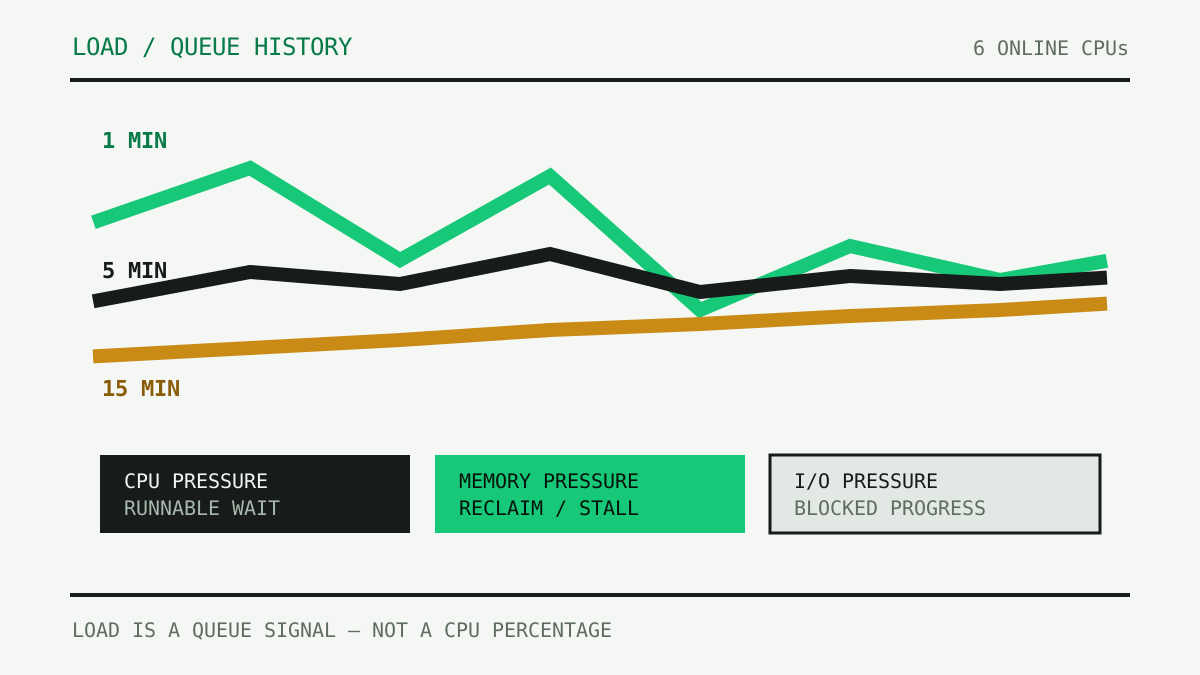
Read Linux load average as a queue signal, separate runnable work from uninterruptible waits, and pair the three familiar numbers with CPU count and PSI.
12 min read
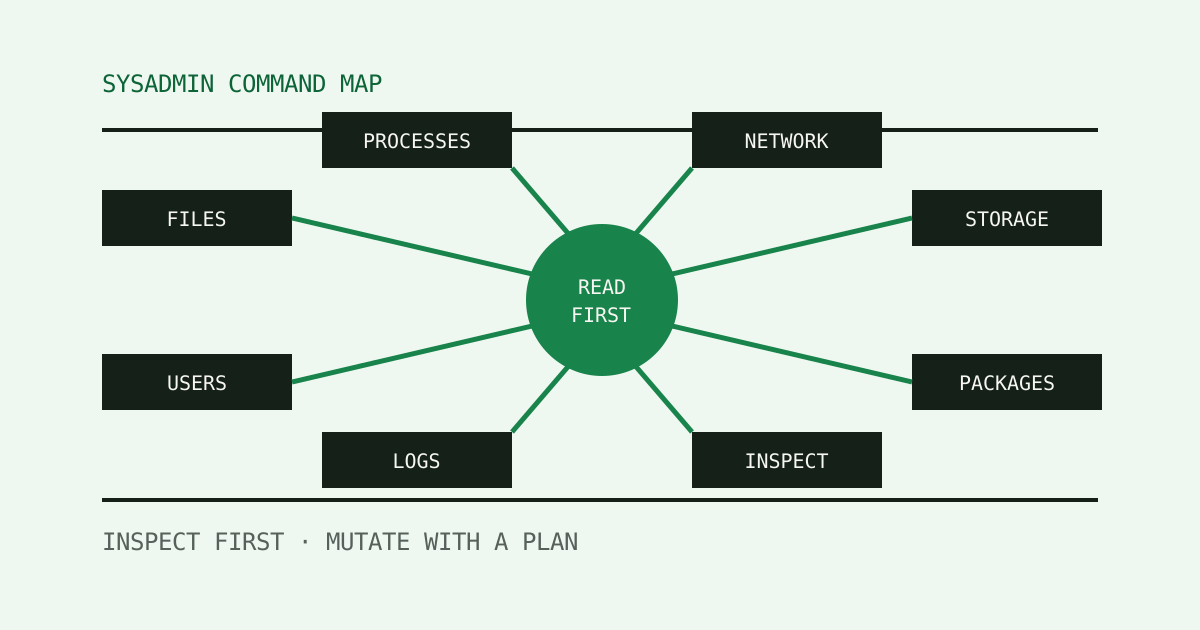
A practical command map for inspecting Linux first, then changing files, processes, storage, networking, logs, users, and packages with portability boundaries visible.
16 min read
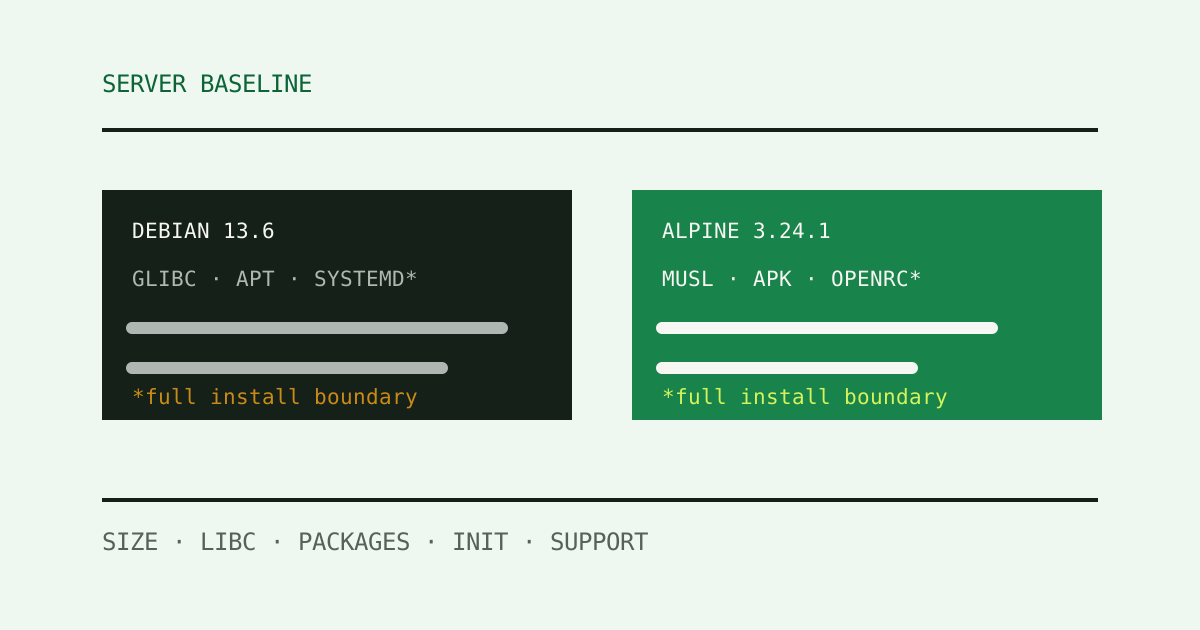
A measured baseline for two current Linux server images, comparing size, libc, packages, service model, documentation, maintenance, and workload fit.
15 min read
Follow ls -la from a terminal keystroke through shell parsing, command lookup, process replacement, filesystem calls, and pixels on screen.
11 min read
Stop memorizing 755. Read owner, group, and other permissions as answers to concrete file and directory operations.
13 min read
Replace the punctuation model of `|` with connected processes, file descriptors, bounded kernel buffers, and backpressure.
12 min read
Reconcile filesystem allocation with files a directory walk can reach, then diagnose gaps without reaching for a cleanup command.
14 min read
Read RAM as anonymous memory, reclaimable cache, kernel state, swap, and pressure—then separate host capacity from cgroup limits.
14 min read
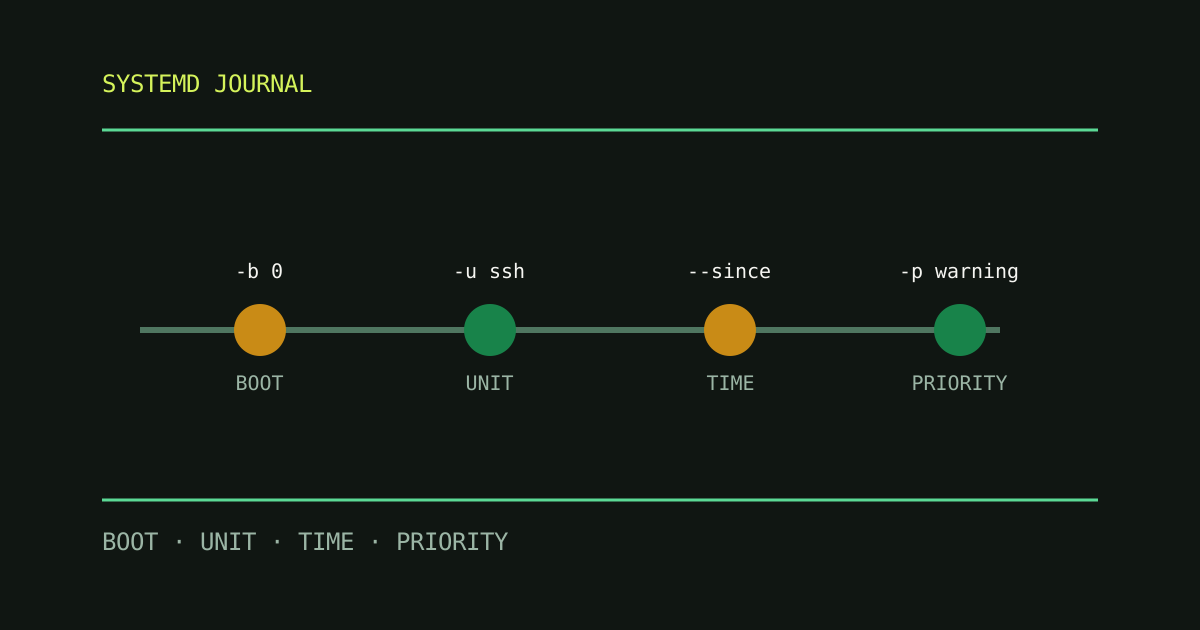
Build a reliable journalctl workflow by separating boot selection, unit filters, time windows, priority, and persistent storage.
13 min read
Keep everyday automation portable by treating the shell as a language boundary, checking tools explicitly, and testing the unhappy path.
10 min read
Keep the useful bits